
FOOD ERP MIGRATION SERVICES

Move to a Modern ERP Without Leaving Critical Business Data Behind

Migrate to NetSuite or Microsoft Dynamics 365 with a clear plan for your existing data, customizations, reports, and integrations. Folio3 FoodTech’s ERP migration services draw on 20+ years of ERP delivery, 120+ food industry clients, and certified NetSuite and Dynamics 365 teams that manage the technical and operational side of changing systems.

Trusted by Leading Food and Beverage Brands

What Is ERP Migration for a Food Business?

ERP migration is the process of moving from your current business system to a new one, such as QuickBooks to NetSuite or Dynamics GP to Business Central. It involves transferring business data, rebuilding customizations and reports, and reconnecting integrations.

ERP migration is also a chance to reassess what your business needs from its next system. Folio3 FoodTech helps determine what to migrate as is, what needs to be rebuilt, and what can be retired. Whether you’re leaving QuickBooks, Sage, SAP, or an older Dynamics version, our certified NetSuite and Dynamics 365 teams plan and run the full move, from data mapping to go-live.

What Is ERP Migration for a Food Business?

Is It Time to Move Your Food Business to a New ERP?

Some ERP migrations are planned years ahead. Others start when support ends, workarounds pile up, or a server fails. Our certified NetSuite and Microsoft Dynamics 365 consultants help food businesses plan the move, from legacy ERP modernization to cloud ERP migration services, before issues reach production or month-end close.

Your Legacy ERP Is Holding You Back
Older systems like Dynamics AX, NAV, GP, and AS/400 may face limited vendor support, fewer skilled consultants, and compatibility issues with modern applications. Migration moves your data and processes to a supported platform.
As your business grows, managing finances, inventory, purchasing, and production across separate tools becomes harder. Manual reconciliation, disconnected cost records, and time-consuming reports can signal the need for an integrated ERP.
Maintaining on-premises servers adds responsibility for hardware, backups, maintenance, and remote access. Moving to cloud ERP can reduce infrastructure management and provide access to vendor-managed updates, depending on your deployment.
Extensive custom code can make ERP upgrades expensive, time-consuming, and risky. Migration lets you reassess which customizations your business still needs, rebuild essential functionality, and retire outdated modifications.
Slow support, stalled projects, or a partner unfamiliar with food operations can leave your ERP stuck. Our team takes over existing NetSuite and Dynamics 365 systems, fixes what’s broken, and plans the next step.

ERP Migration Options for Your Existing System

Whether you’re leaving entry-level accounting software, an older Dynamics version, or another ERP, there’s a clear ERP system migration path to NetSuite or Dynamics 365.

Move from entry-level tools or another ERP into one NetSuite account that runs finance, inventory, and production.

QuickBooks

From QuickBooks

Customers, vendors, items, and open balances move into NetSuite, ready for lot tracking, production orders, and multi-location inventory from day one.

Sage

From Sage

Sage financials, open AP and AR, and item records come together in one system that also runs inventory, purchasing, and production.

Spreadsheets

From Spreadsheets

Recipe sheets, lot logs, and price lists become structured item records, BOMs, and pricing, with traceability built in instead of tracked by hand.

From SAP, Infor, Epicor, Acumatica, or Odoo

From SAP, Infor, Epicor, Acumatica, or Odoo

Item masters, BOMs, open lots,s and customer pricing are mapped to NetSuite, and each customization is reviewed before anything is rebuilt.

ms

From Microsoft Dynamics

Leave on-premise AX, NAV, or GP for a single cloud ERP, with balances, transaction history, and retailer EDI connections carried over.

Legacy and In-House Systems

From Legacy and In-House Systems

Legacy ERP migration from AS/400, aging servers, and custom-built software, with item records, lot history, and open orders moved across intact.

ERP upgrade services for Dynamics AX, NAV, and GP, plus moves from other systems to Business Central or Finance & Operations.

AX

From Dynamics AX

An upgrade assessment sorts every AX customization into migrate, rebuild, or retire, then code, data, and configuration move to the cloud.

Dynamics GP

From Dynamics Great Plains

GP account segments become Business Central dimensions, and master data, open transactions, and history move across with balances reconciled.

Dynamics NAV

From Dynamics NAV

C/AL customizations are rebuilt as AL extensions, so open lots, item tracking, and history move to a version that upgrades cleanly.

QuickBooks or Sage to Business Central

From QuickBooks or Sage

Items, lots, production BOMs, and open balances are set up properly in Business Central, so growth doesn’t trigger another migration later.

Spreadsheets

From Spreadsheets

Manual inventory and recipe trackers are replaced by Business Central, which works alongside the Excel and Microsoft 365 tools your team already uses.

Legacy Systems to Dynamics 365

From Legacy Systems

AS/400, green-screen, and in-house software move to cloud Dynamics 365, with ledgers, item records, and open orders reconciled before cutover.
Outcomes Achieved Through Successful ERP Migration

A well-planned ERP migration can do more than replace an outdated system. It can give your teams better control over finances, inventory, production, and reporting while reducing the manual work involved in running your food business.

How We Migrate Your Food ERP Without Disrupting Operations

We plan each migration around your source system, food business processes, and target ERP. From data mapping and validation to integration testing and cutover, each stage prepares your team for the move to the new system.

Step 1

Assess and Plan the Migration

We audit your current system’s data, customizations, reports, and integrations, decide what moves, gets rebuilt, or retires, and set a cutover date that avoids seasonal peaks.

Step 2

Cleanse and Map Your Data

Duplicate and inactive records are removed. Items, units of measure, recipes, lots, open orders, and balances are then mapped field by field to the new ERP.

Step 3

Rebuild, Load and Test

Customizations are rebuilt as extensions and integrations reconnected. Trial loads then run in a sandbox and are reconciled against your old system before users test real orders.

Step 4

Cutover and 24/7 Support

Final data moves during a planned window with a rollback plan ready. After go-live, we resolve issues and support your teams throughout.

Your Business Can't Afford a Bad ERP Migration.

A failed migration means missed shipments, wrong balances, and months of cleanup. Our certified teams reconcile your data, test real orders, and keep a rollback plan ready before anything switches over.

Complete ERP Modernization Services for Food Businesses

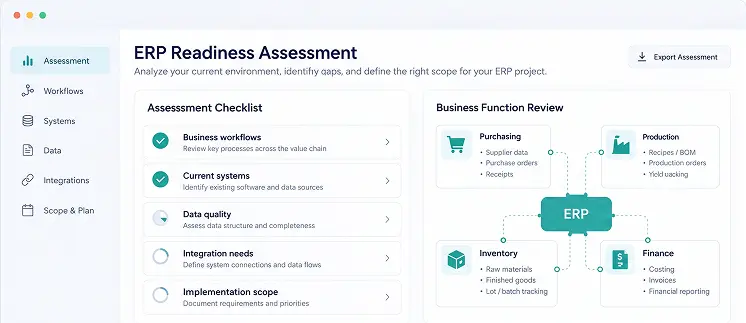
Pre-Implementation Assessment

Before the migration starts, we review your current system, data quality, and business requirements, then give you a fixed scope, cost, and timeline for the migration.
ERP Implementation

Set up the new ERP around how your food business runs, with recipes, lot tracking, shelf life, and costing configured before migrated data goes in.
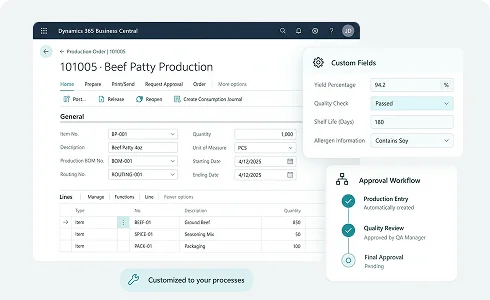
ERP Customization

Replace outdated custom code with workflows built for your production, costing, and quality processes, designed to stay compatible with future ERP updates.
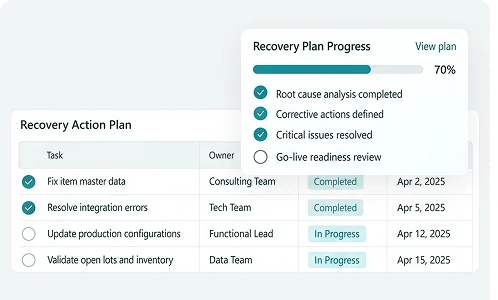
ERP Rescue & Recovery

Migration stalled or gone wrong? We’ve rescued 70+ ERP projects by finding root causes, fixing data and configuration issues, and getting go-live back on track.
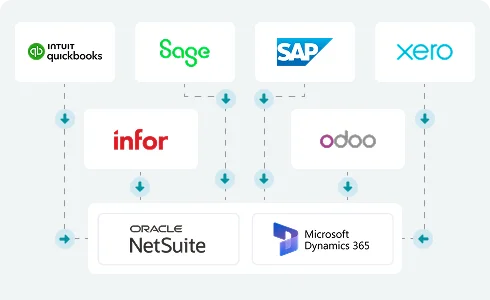
ERP Integration

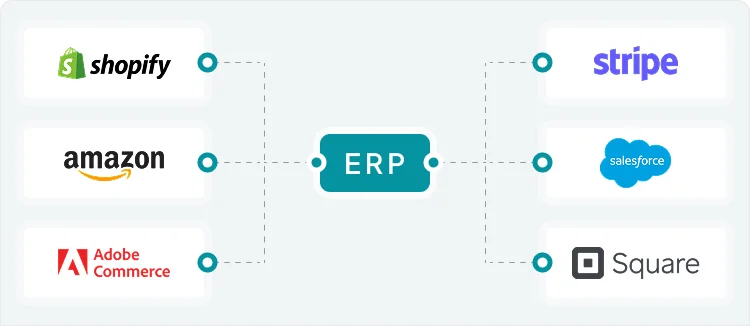
Reconnect ecommerce stores, POS, 3PLs,s and retailer EDI to your new ERP through prebuilt connectors or custom APIs, so orders keep flowing after cutover.
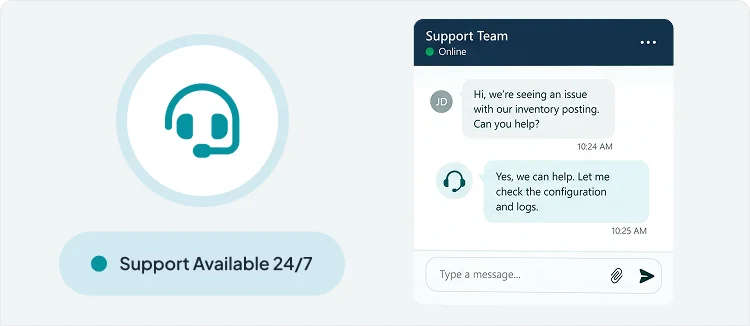
Deployment and Go-Live Support

After go-live support ends, certified consultants provide round-the-clock help, health checks, release updates, and user training as your plants, products,s and teams grow.
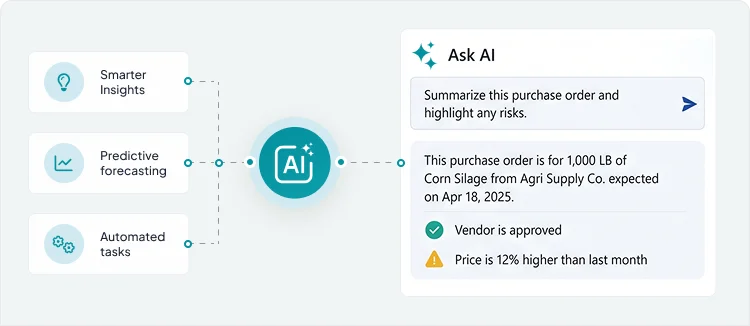
AI Readiness & Enablement

Once your data sits on a modern ERP, we identify practical AI use cases, close readiness gaps, and help your teams put built-in AI tools to work.
Free Discovery Call

ERP Migration for Every Segment of the Food Industry

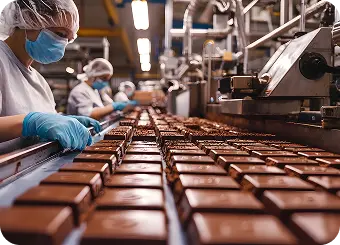
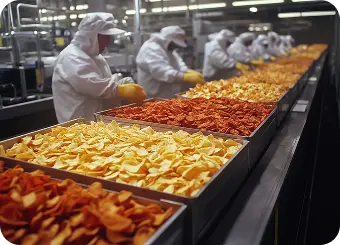
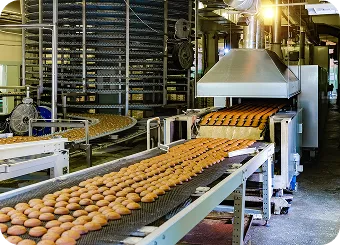
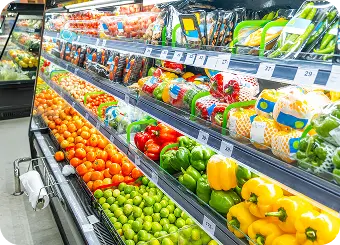
Recipes, batch production, shelf life, lot tracking, and costing vary across food sectors. We account for these differences when planning your move to a new ERP.

Our Industry Advisors

Our industry advisors bring firsthand food industry knowledge to our ERP services, connecting real operational challenges with practical technology solutions.

Kevin Manion

Industry Advisor
CFO @ Capitol Food Co

Harold Birch

Industry Advisor
Co-Founder, UnCommon Farms

Sam Cossio

Industry Advisor
CEO @ Back to Basics Consulting

Jens Kjaer

Advisor,
Ex-Sen Associate Director, BI 

Jerry Flint

Advisor
Ex-COO, National Pork Board

See How Food Businesses Move Forward With Folio3

From growing brands to established manufacturers, food companies turn to Folio3 FoodTech for ERP guidance that delivers results. Here are a few of their stories.

Frequently Asked Questions

What is included in ERP migration services?
ERP migration services cover assessment, data cleansing and mapping, rebuilding customizations, reconnecting integrations, trial migrations, testing, cutover, and post-go-live support. At Folio3 FoodTech, the scope also covers food-specific data such as recipes, BOMs, lot and expiry records, and retailer EDI connections.
It depends on data volume, number of sites, customizations, and integrations. At Folio3 FoodTech, a Dynamics GP to Business Central move can take 4-12 weeks, while QuickBooks to NetSuite projects typically run three to six months. Larger multi-entity moves are scoped after an assessment.
Cost is driven by the amount of data to clean and move, the number of customizations and integrations, the sites involved, and the new platform’s licenses. Underestimating data cleanup and integration retesting is the most common reason budgets grow after a project starts.
The main risks in food and beverage ERP migration are inaccurate data, missed customizations, broken retailer EDI, and production disruption at cutover. Most can be controlled through early data cleanup, trial migrations, thorough testing, and a rollback plan prepared before go-live.
Look at vendor support timelines, how many workarounds teams rely on, and whether customizations block updates. Folio3 FoodTech’s ERP modernization advisory services review all three and recommend whether an upgrade, a new platform, or a phased move delivers the best return.
Most food manufacturers move master records, open transactions, and one to three years of history. Older data is usually archived in a read-only format, keeping the new system fast while records stay available for audits, recalls, and customer requests.
It shouldn’t. At Folio3 FoodTech, we schedule cutover for a low-volume window, often after a seasonal peak, complete trial migrations beforehand, and keep a rollback plan ready, so plants and shipping keep running through the switch.
Each customization is reviewed. Some are replaced by standard features, some rebuilt as upgrade-safe extensions, and some retired. Folio3 FoodTech then reconnects your ecommerce, 3PL, and retailer EDI integrations and retests them before go-live.
Food manufacturing ERP migration carries data most industries don’t have: recipe versions, catch-weight items, lot and expiry history, multiple units of measure, and retailer-specific EDI rules. Traceability, costing, and customer compliance all depend on that data arriving accurately.
A single cutover is faster and avoids running two systems side by side. A phased manufacturing ERP migration, moving one site, entity, or function first, lowers risk but needs temporary connections between old and new systems until the move is complete.
It helps when scope, platform, or budget is still unclear. ERP migration consulting defines which data and processes will move, which customizations are worth keeping, what risks to plan for, and a realistic budget, before any software is purchased.
It depends on company size, number of entities, production complexity, and existing Microsoft tools. Folio3 FoodTech is both an Oracle NetSuite Alliance Partner and a Microsoft Solutions Partner, so our recommendation follows your requirements, not a single vendor relationship.